

// Wiki
Agency knowledge base software that keeps every client’s know-how in one place
Briefs, SOPs, decisions and the corrections reviewers keep making — in a wiki that sits next to the tasks, with a space for every client and one for the agency. Neo reads it, so the answer is a question away.
- No Setup Fee
- INR · GST Invoices
What is an agency knowledge base?
An agency knowledge base is the single place a team keeps what it knows about each client and about how it works: briefs, brand rules, SOPs and past decisions. Kept beside the work rather than in scattered documents, it means the next person on an account starts informed instead of starting over.
- A space for every client, and one for the agency
- Save to Wiki from where the knowledge appears
- Neo answers from your wiki
// Spaces
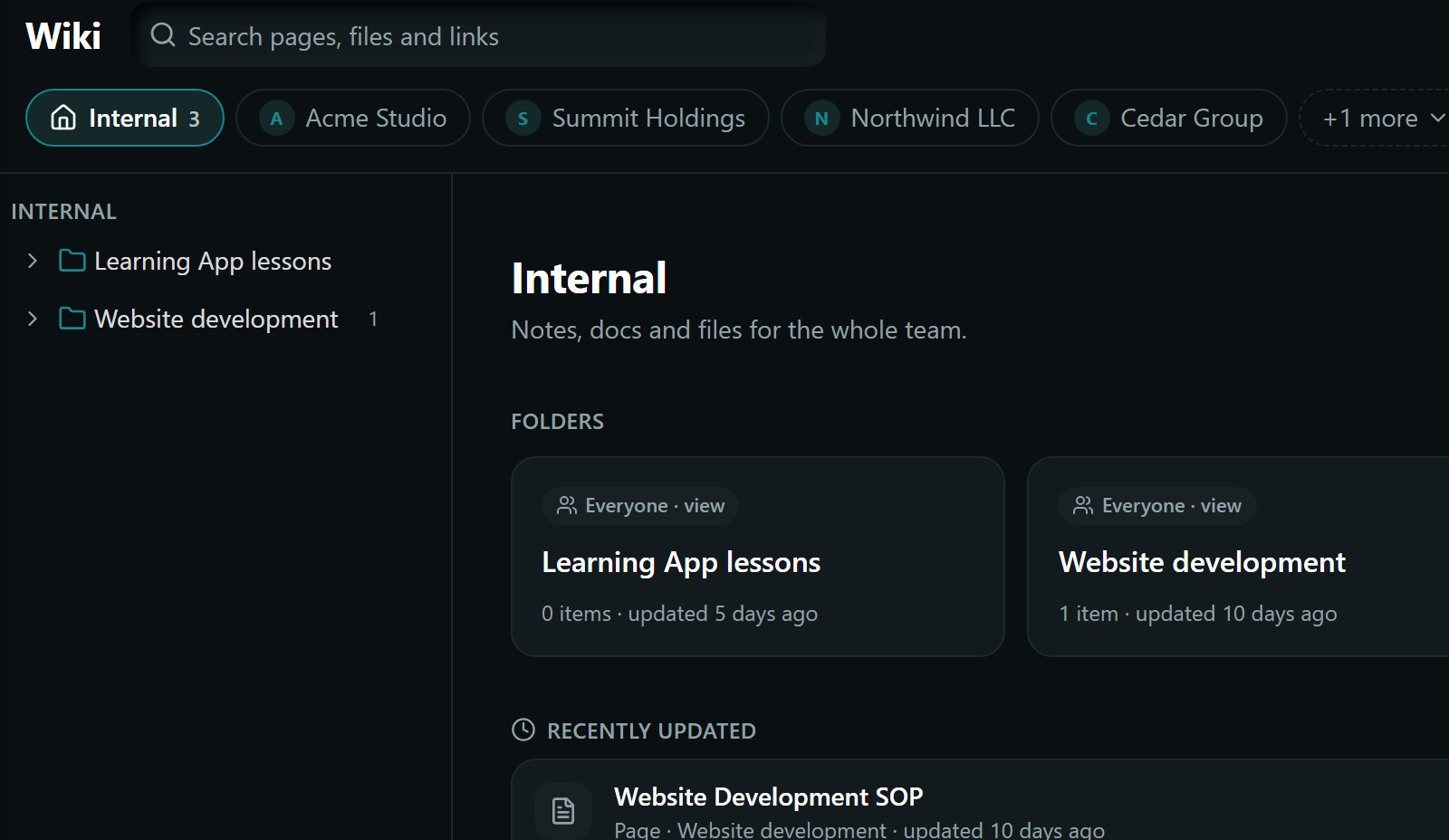
A space for every client, and one for the agency
Each client gets their own space, so what you know about an account lives with that account. The agency space holds the things that apply everywhere — how you work, how you review, how you onboard.
- Rich pages, checklists and files
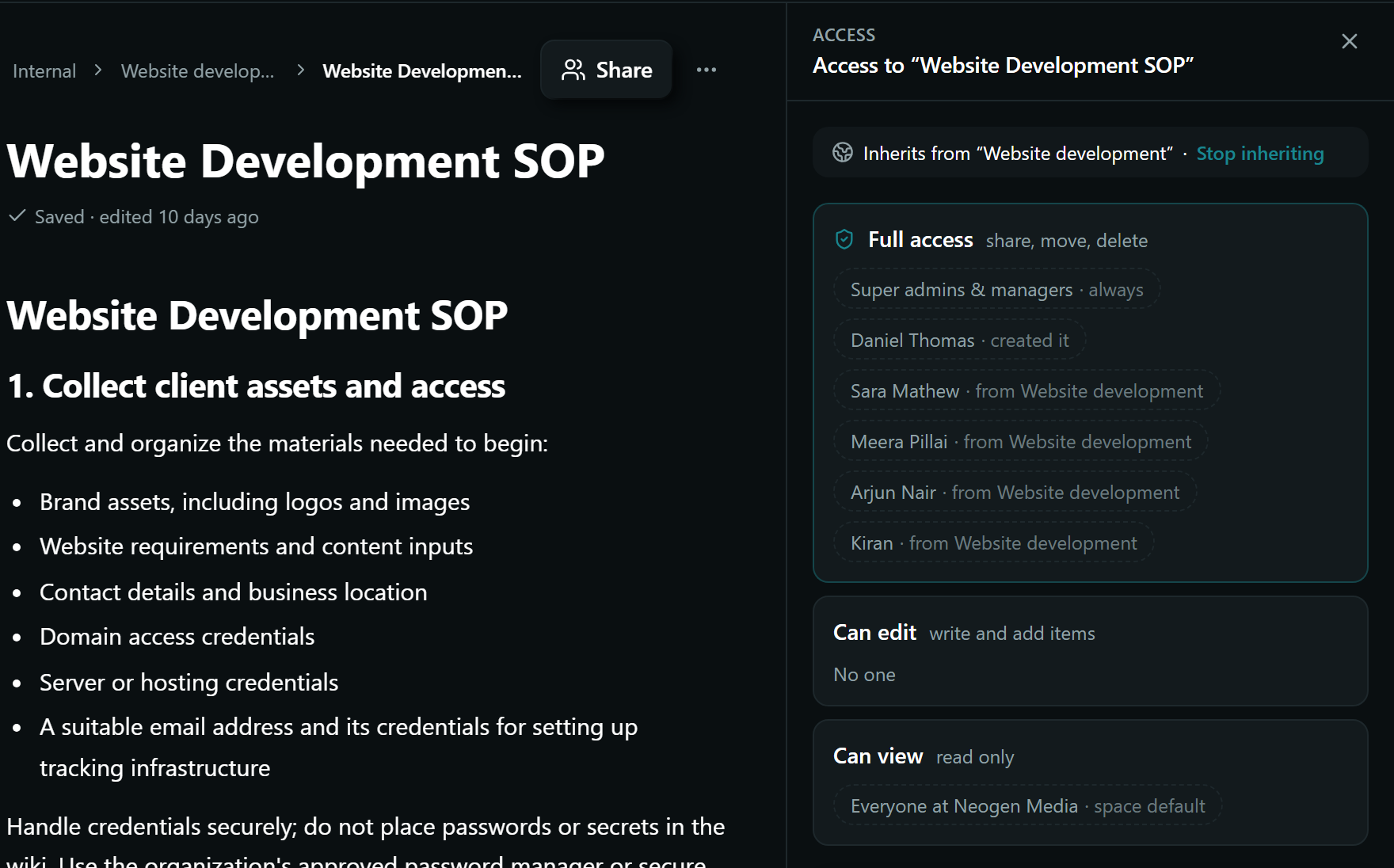
- Control who can read and edit each space
- Share a page with anyone through a public link
// Capture
Save to Wiki from where the knowledge appears
Knowledge shows up in the middle of work — a decision in a chat thread, a correction in a review, a detail on a task. Save it to the wiki from there, so writing it down is one action rather than a job for later that never happens.
- From a task
- From a review
- From a chat message
- Submitted for reviewRiya K
- Internal QCPriya S
- Client sign-offAcme
Blocked · Awaiting QC
A task cannot reach Done while a gate is unapproved
// Neo
Neo answers from your wiki
A wiki is only useful if people find what is in it. Neo reads your organisation’s wiki, so “what are this client’s brand colours?” or “how do we hand over a website?” gets an answer from your own pages — limited, as always, to what the person asking is allowed to see.
Who is over capacity next week?
Riya K is booked to 104% on Tuesday. Moving “Applications sheet” to Arjun M clears it without changing the Acme deadline.
Draft · confirm to applyEvery write is drafted first and confirmed by you
// How It Works
How to set up your agency wiki
4 steps, one continuous record. Nothing is re-keyed between them.
Create a space per client
Plus one for the agency itself, for the way you work everywhere.
Move briefs, logins policy and SOPs into pages
Start with what people ask about most; the rest follows as it is saved.
Set who can see each space
Each space has its own list of who can read and who can edit.
Link pages from tasks and task templates
So the method sits beside the work that needs it.
// Comparison
A wiki inside your project tool vs Notion or Confluence
| Capability | Azyneo wiki | Notion / Confluence |
|---|---|---|
| Lives beside tasks, reviews and chat | ||
| Save from a task, review or chat message | ||
| Answered by the same assistant that knows your projects | ||
| Per-space access control | ||
| Public share links | ||
| Depth of page layouts and databases | Focused | Extensive |
Notion and Confluence are capable standalone tools with far richer page building. Azyneo’s wiki is built to sit next to delivery work. Comparison reflects publicly documented features at the time of writing.
FAQ
Wiki questions
Many agencies will not. The Azyneo wiki covers client spaces, SOPs, checklists and files beside the work. Teams that rely on advanced page databases may still keep a dedicated tool for that.
Not inside Azyneo. You can share an individual page with anyone through a public link, which is the way to send a client a page without giving them an account.
Each space has its own access list, so you decide who can read it and who can edit it, space by space.
Only if the person asking can. Neo answers from the wiki with that person’s permissions, so a restricted space stays restricted.
Get Azyneo running for your agency.
Tell us your team size and how you want to run it — SaaS or on-premises — and sales will come back with a quote the same working day.