

// Margin
Project profitability reporting software for agency leadership
Cost rate against bill rate, calculated from hours that came off a timer rather than out of memory. Every project’s margin is current by the end of the day it was worked.
- No Setup Fee
- INR · GST Invoices
How do agencies measure project profitability?
Project profitability is the value billed for a project minus what it cost to deliver. The cost side is the hours each person logged multiplied by their cost rate, which is why profitability reporting is only as trustworthy as the time data underneath it.
- Cost rate versus bill rate, calculated from tracked hours
- Retainer burn against the hours you sold
- Delivery speed and slippage by team
// Three Views
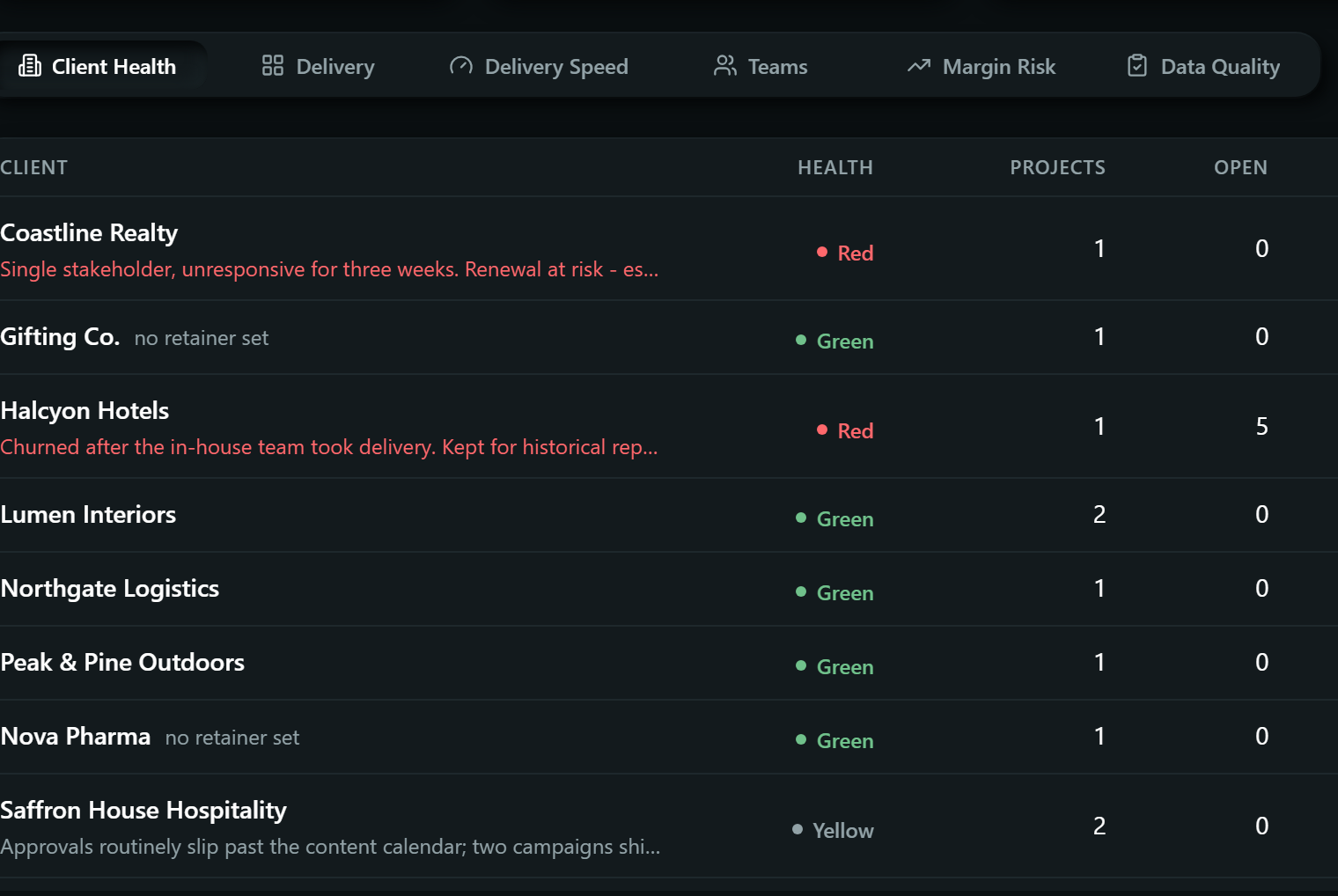
Margin per project, client and person
Agencies lose money in three different places, and each needs its own view: a project that overran, a client whose account has quietly stopped paying for itself, and a person whose billable time is being absorbed by internal work.
- Cost rate vs bill rate, calculated from tracked hours
- Retainer burn against the hours you sold
- Delivery speed and slippage by team
Cost rate × logged hours against billed value
// Executive Dashboard
The executive dashboard
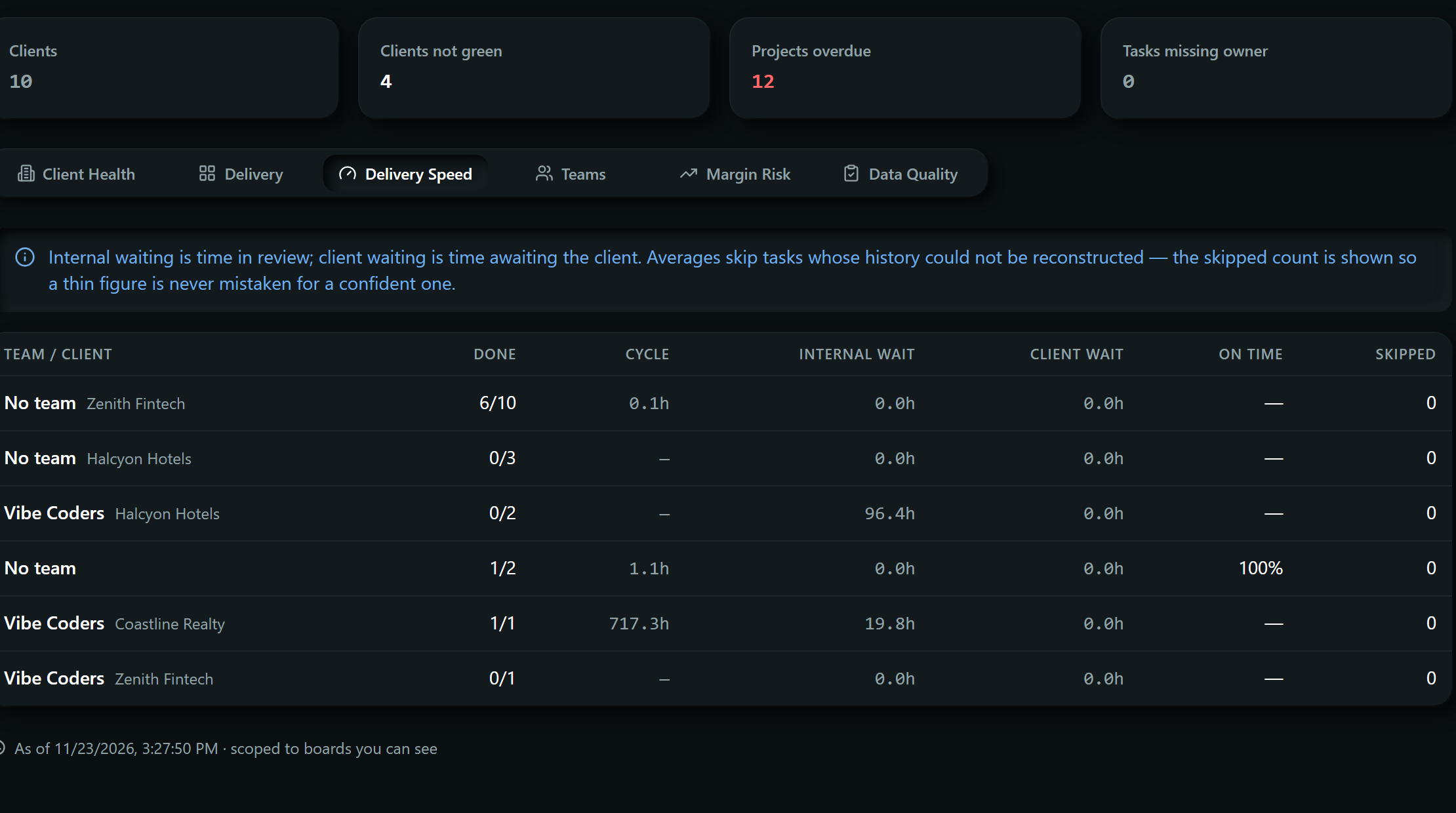
Account leads need this week; owners need the whole board. The dashboard gives each the view they act on, and two new reports show where work actually sits and where it waits.
- Weekly view for account leads
- Board-level view for owners
- Who is on what, right now, by client
- Time each task spends in every stage — the fastest way to find a review bottleneck
// Daily Report
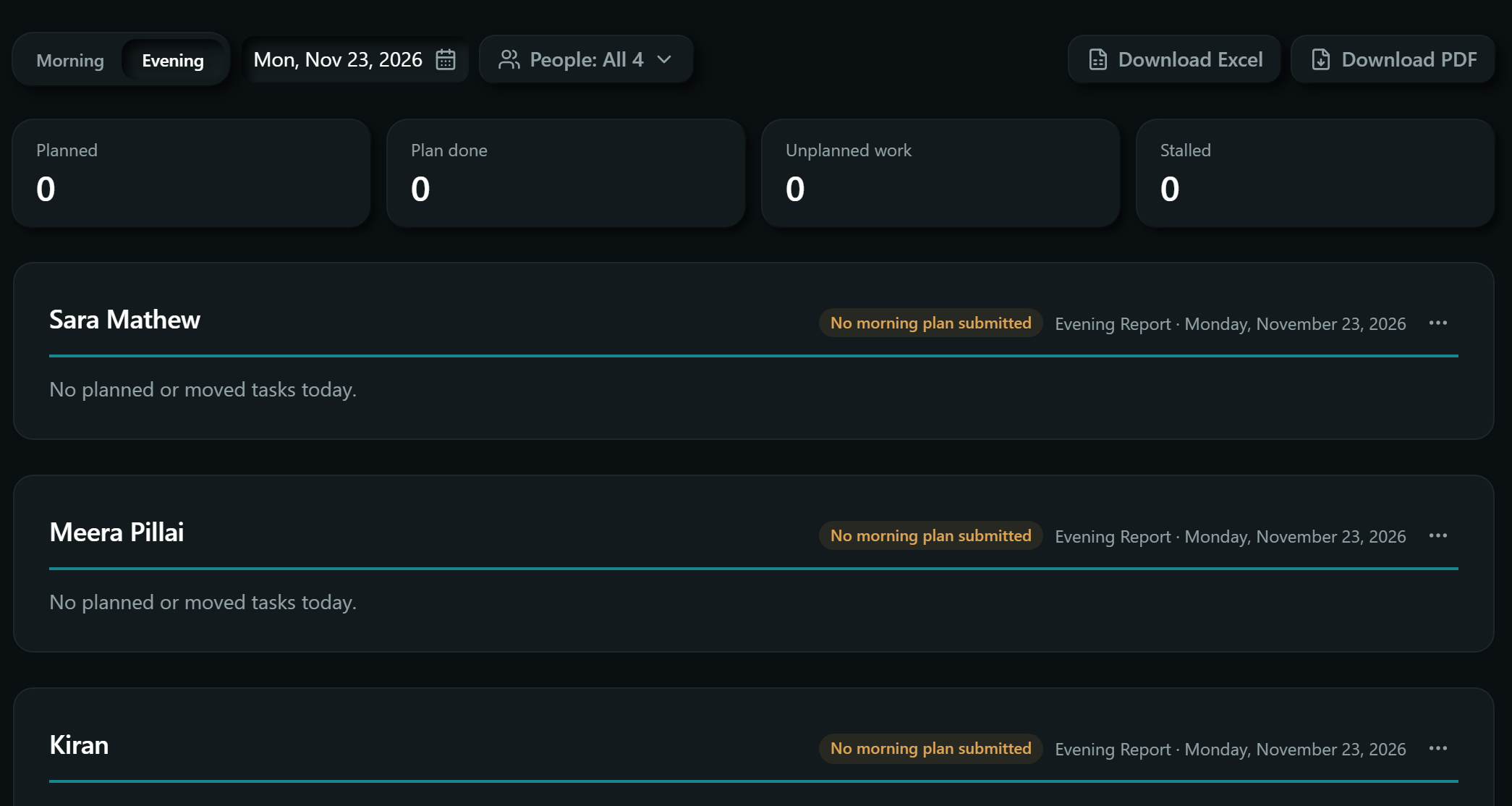
A daily report: what each person planned, and what they did
Each person’s morning plan sits beside their evening result — what they meant to do and what the timers say they did. It replaces the stand-up message nobody reads, and exports to PDF for anyone who wants it on paper.
// Trust
How reporting stays trustworthy
A margin report is a claim about reality, and it is worth exactly as much as the data behind it. Azyneo is opinionated about that chain, from the timer to the person allowed to read the result.
Enforced in the database, not the interface
Hours come straight from task timers
Abandoned timers are closed automatically
Every manual edit is audited
Reports respect who is allowed to see what
// Exports
Exports, scheduled reports and the reporting API
Margin rarely stays inside one tool. Export on demand, schedule reports to the people who need them, or pull the same figures into your finance stack through the Azyneo reporting API.
FAQ
Reporting questions
Only roles you grant financial visibility to. Reports respect the same rules as the rest of the product, enforced at the data layer rather than by hiding a menu item.
As hours are logged. A project worked on this morning has a current margin figure this afternoon, which is the point of tracking against tasks.
A per-person view of the morning plan beside the evening result: what they set out to do on their Today timeline and what their timers recorded. It can be exported as a PDF.
The time-in-stage report shows how long each task spends in every stage. A review stage that holds work for days shows up as a number rather than a feeling.
Yes — on-demand exports, scheduled reports, and a reporting API for anyone pulling Azyneo into a wider finance stack.
Get Azyneo running for your agency.
Tell us your team size and how you want to run it — SaaS or on-premises — and sales will come back with a quote the same working day.