

// Compare
Azyneo vs ClickUp: a ClickUp alternative for agencies, without the setup burden
ClickUp’s breadth is genuine and so is its configuration cost. Agencies rarely need more settings; they need defaults that already match how a client project actually runs.
Quick verdict: who each tool is right for
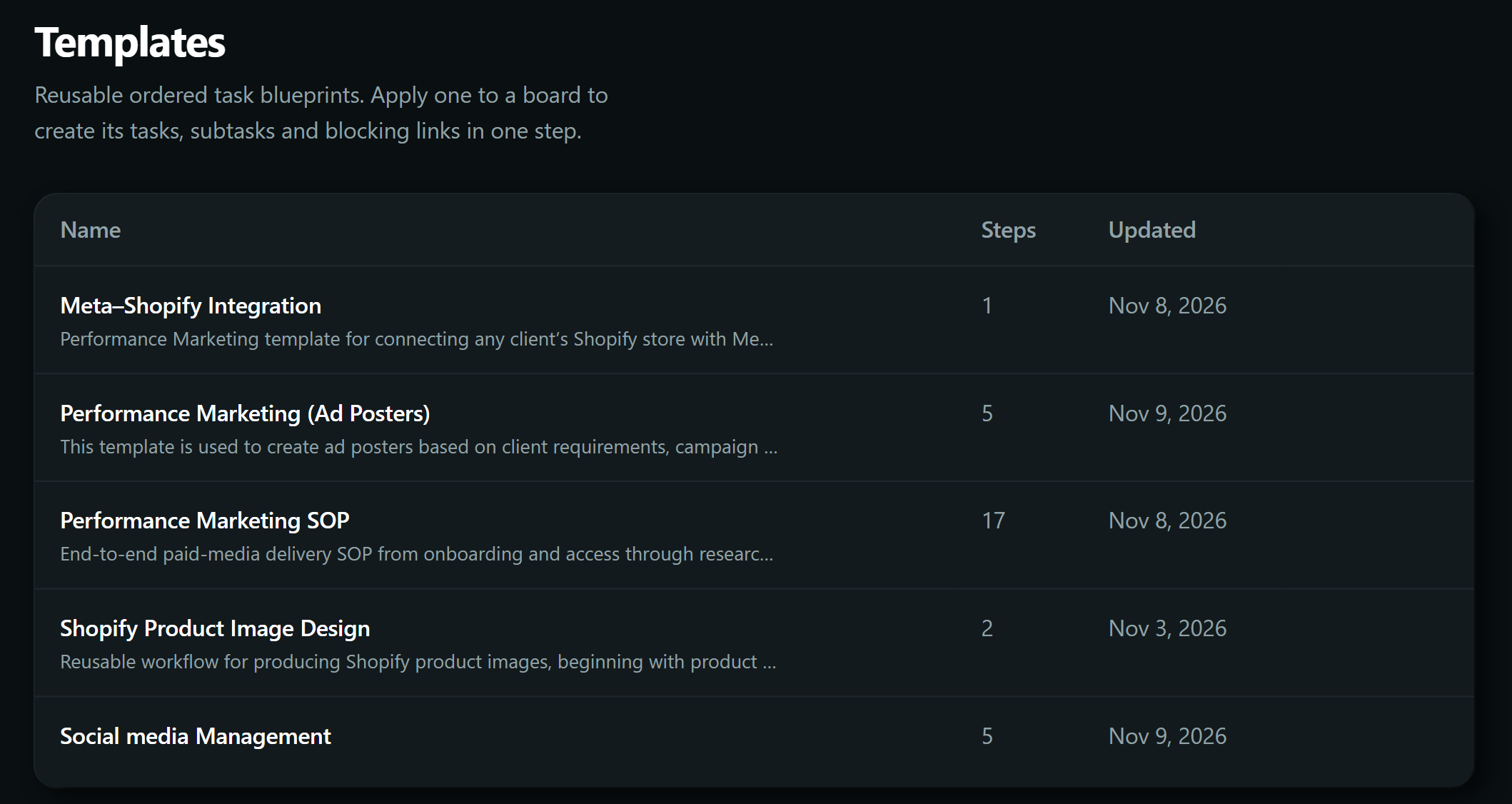
Choose ClickUp if you want one tool spanning docs, goals, whiteboards and tasks, and you have the appetite to configure it. Choose Azyneo if you want agency delivery working in days, with task templates, reviews, capacity and margin already modelled rather than assembled.
- ClickUp: maximum surface area, configured by you
- Azyneo: a narrow surface that fits agency delivery on day one
// Adoption Cost
Configuration burden versus opinionated delivery
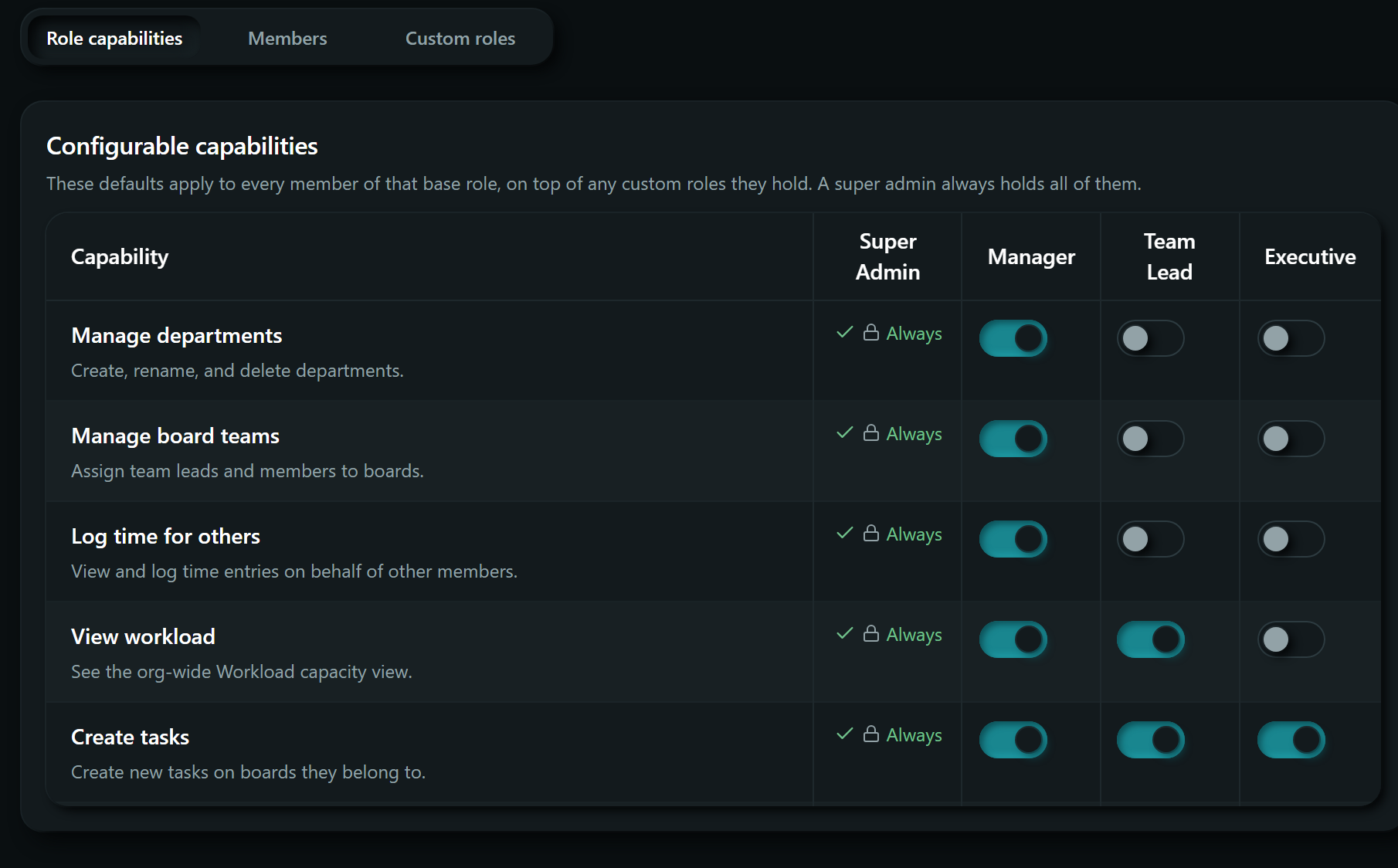
The cost of a highly configurable tool is not the licence, it is the person who owns it. Someone decides the hierarchy, builds the automations, maintains the views, and re-teaches it when they leave. Azyneo trades that flexibility for a delivery model that is already correct for an agency.
- Automations you must build versus rules that ship switched on
- One way to model a client project, not seven
- Time to first value measured in days, not weeks
// Feature Comparison
Feature comparison for agency delivery
| Capability | Azyneo | ClickUp |
|---|---|---|
| Agency delivery modelled by default | You build it | |
| Task templates | Per client board | |
| Review blocks completion | Custom status | |
| Capacity-based scheduling | Workload estimate | |
| Leave and coverage in the schedule | ||
| Billable hours and rates | Native, needs setup | |
| Margin per project out of the box | Dashboard build | |
| Team chat linked to tasks | ||
| Wiki / docs | ||
| Whiteboards and goals | ||
| Time to first value | Days | Weeks |
Capability comparison, not a quality judgement. Re-verify against the vendor’s live documentation before publish and re-check every 90 days.
// Credibility
Where ClickUp is the better choice
One tool for everything
Goals, whiteboards, dashboards and tasks in a single subscription is a real consolidation win. Azyneo has team chat and a wiki beside the work, and deliberately stops there.
You enjoy configuring
Teams with a strong internal owner get a system shaped exactly to them, which no opinionated product can match.
Non-agency work
Product roadmaps, personal task management, company OKRs — all outside what Azyneo is built for.
// Migration
How to migrate from ClickUp
4 steps, one continuous record. Nothing is re-keyed between them.
Export tasks per space
Bring assignees, dates, status and any tracked time.
Collapse the hierarchy into services
Spaces, folders and lists usually reduce to a handful of clients, boards and task templates.
Import and set rates
Cost and bill rates per person, before the first schedule runs.
Cut over at the month boundary
Run one sprint in parallel if the team wants a safety net.
FAQ
Switching from ClickUp
Azyneo’s wiki: a space per client and one for the agency, with rich pages, checklists, files and its own access list. Pages can be linked from tasks and task templates, and Neo answers from them.
Yes, on purpose. The constraint is the product: one way to model a client project means it is set up correctly by default, and nobody has to own the tool.
Most agencies template two or three services in the first week and have honest capacity-based dates in the second.
Yes, historical time imports with tasks. Rates are set in Azyneo, so margin on imported work is calculated from the rates you configure.
Get Azyneo running for your agency.
Tell us your team size and how you want to run it — SaaS or on-premises — and sales will come back with a quote the same working day.